


Detect the text before you remove it
Context
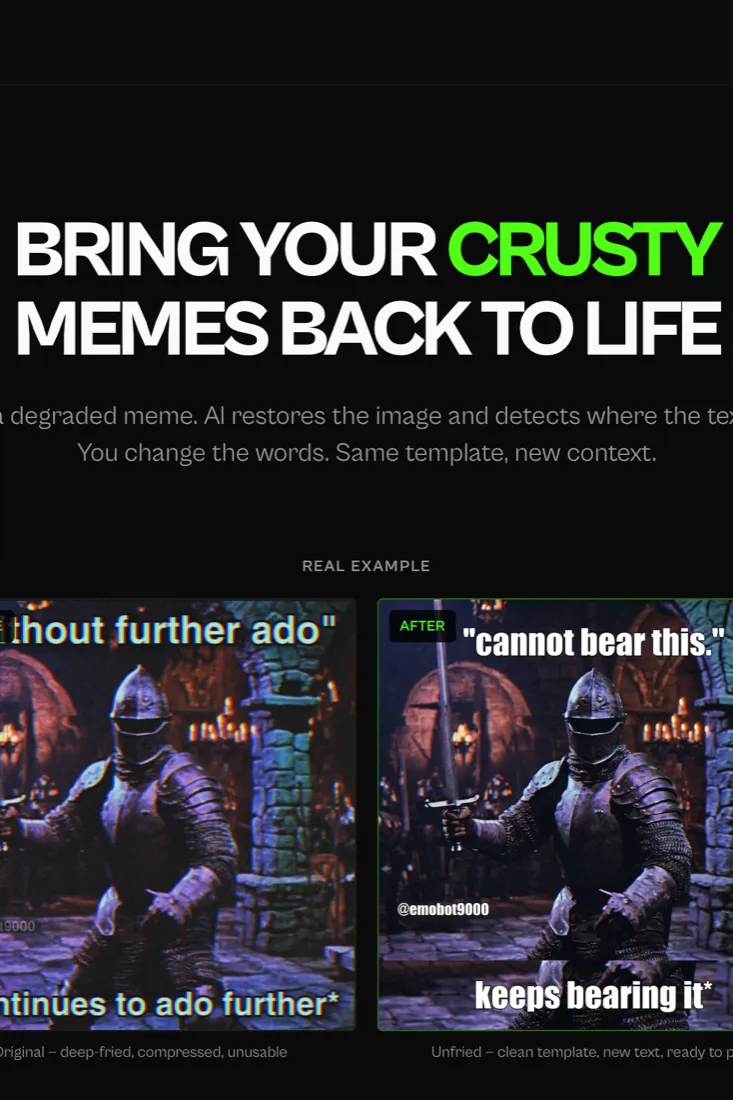
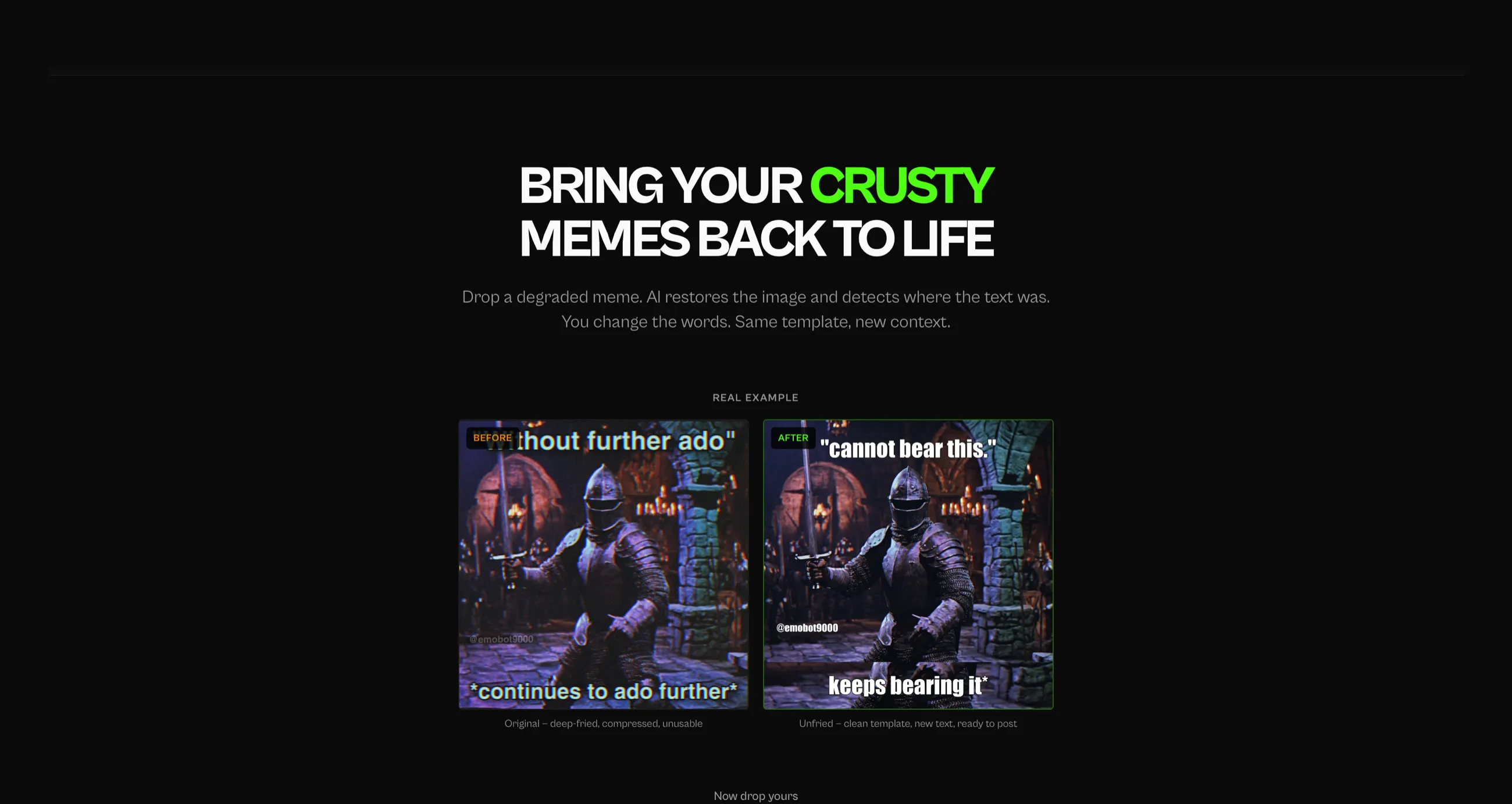
Early versions came back with doubled text. The original caption was still sitting in the restored image, with the new editable layer on top of it, overlapping and unreadable. It looked like a rendering bug.
Options considered
- Fix the overlay positioning and the render order (rejected)
- Reorder the pipeline so the text is captured, then destroyed, then replaced
The call
Three steps, in this order. Detect: a model reads the upload and extracts every text element, its content, its position as percentage coordinates, its approximate size and colour, before anything is altered. Remove: the image goes to Gemini with an instruction to erase all text, inpaint the backgrounds naturally, and return a sharp version containing no words at all. Reapply: the stored text goes back onto the clean image as live canvas layers at the original coordinates.
Evidence
Percentage coordinates are what hold it together. The server never learns the canvas size, so anything positional stays proportional until it crosses into the client. The output looks identical to the input, and every word on it is now editable, on a template that is genuinely clean underneath.
Outcome
One source of truth for the text. What presented as a visual bug was a sequencing error, and fixing the rendering would have patched the symptom while leaving two copies of the same caption in the file.